How to Scale Your Home-Services Company with a Mobile + Web App: A Step-by-Step Guide
Step-by-step guide for HVAC, plumbing, and roofing businesses to scale using mobile and web apps. Automate bookings and grow with HomesOps.
Table of Contents

December 4, 2025
Home-services businesses whether HVAC, plumbing, electrical, cleaning, landscaping, pest control, or appliance repair depend heavily on fast response, reliable communication, and smooth scheduling. But as customer expectations shift toward digital convenience, companies that still rely on phone calls, paper records, or manual staff coordination often struggle to grow.
Missed calls mean missed leads.
Slow scheduling means lost customers.
Manual job routing means inefficient workforce utilization.
This is where a mobile + web app can be a turning point. It helps automate bookings, streamline dispatching, track technicians in real-time, centralize data, and build a stronger customer experience.
This guide explains how to scale your home-services company using an app step-by-step, without unnecessary jargon.

Step 1: Understand the Need for Digital Transformation
Before jumping into development, assess what’s holding your business back. Common barriers include:
- Missed or delayed customer calls
- Manual job allocation and route planning
- Lost work orders or duplicate paperwork
- Difficulty tracking technicians and productivity
- Long payment cycles and low customer retention
A mobile + web platform eliminates these delays by connecting customers, dispatchers, and technicians in one system. Create a baseline analysis of current issues and opportunities. This becomes the starting point for your transformation plan.
Step 2: Define Business Goals and KPIs
Success depends on clarity. You must know what you want to achieve before digitizing processes.
Examples of measurable goals:
- Increase completed bookings per week
- Improve technician utilization rate
- Shorten service response time
- Boost recurring customers using a loyalty model
- Reduce admin overhead and paperwork errors
Assign KPIs to each goal. For example:
- Reduce average booking time from 10 minutes to under 2 minutes
- Improve first-time fix rate to 90%
- Enable online payments for 70% of orders
These goals will shape your app’s required features and workflows.
Read More: Why Every Home-Services Business Needs An App
Step 3: Choose the Right Platform and Feature Scope
Most scaling challenges fall into four core areas. Your app should be designed to optimize each:
1) Customer Experience
- Easy service booking
- Real-time technician tracking
- Transparent pricing and secure digital payments
- Alerts, chat, and feedback system
- Customer profile + service history
2) Field Technician Efficiency
- Work order details and checklists
- Route optimization and GPS navigation
- On-site photos and notes uploading
- Mobile invoice generation
- Availability status updates
3) Admin/Dispatcher Control
- Real-time job scheduling and reassignment
- Technician monitoring and performance reports
- Inventory availability checks
- Cancellation + refunds handling
- Customer and service catalog management
4) Business Intelligence
- Daily/weekly revenue dashboards
- Technician performance analytics
- Lead-to-booking conversion insights
- Customer lifetime value and repeat visits
This structure ensures your digital ecosystem supports your growth goals not the other way around.
Ready to Boost Revenue and Efficiency?
Connect with Us Today and Experience What Automated Service Management Feels Like.
Step 4: Plan a Scalable App Architecture
Home-service operations grow over time. Your platform should scale without breaking.
Focus on:
- Cloud-based hosting for flexible capacity
- Modular architecture to add features gradually
- Data security and compliance
- APIs for future integration (CRM, IoT devices, marketing tools, home warranty systems)
Avoid rigid systems that make expansion expensive. Ensure your tech partner plans for scalability from day one.
Step 5: Build a Minimum Viable Product (MVP)
When companies try to digitize everything at once, complexity and budgets explode. Instead, start with your highest-value workflows.
MVP focus examples:
- Customer app: Account → Booking → Payment → Feedback
- Technician app: Task list → Map → Job update → Invoice
- Admin panel: Dashboard → Scheduling → Assignments
This approach helps you launch quickly, test what works, and improve with real usage data.
Read More: Top 7 Features to Look for in a White-Label Home Services App
Step 6: Integrate Automation to Streamline Operations
Automation helps your team avoid repetitive manual tasks and ensures smooth job execution. Features like auto-assigning tasks based on technician skills and proximity enable faster scheduling and reduced dispatcher workload.
Automated alerts for arrival times or delays help manage customer expectations, while auto-generated estimates and invoices eliminate paperwork issues.
Subscription or AMC renewal reminders can boost recurring revenue, and inventory alerts prevent delays caused by missing parts. Even a few automations can significantly improve productivity and operational efficiency.
Step 7: Enable Multiple Payment Methods
Providing flexible payment options ensures faster cash flow and a more convenient customer experience. Your app should support UPI, credit and debit cards, net banking, wallets, and Buy-Now-Pay-Later options, while also recording cash transactions for proper settlement. This digital payment structure reduces reconciliation errors and ensures transparent financial tracking.
Ultimately, customers feel more secure when they have multiple trusted payment methods to choose from.
Step 8: Provide Real-Time Tracking and Communication
Customers want clarity about the service they’re receiving who will arrive, when they will reach, and how the job is progressing.
Real-time GPS tracking helps reduce uncertainty and builds trust by enabling homeowners to monitor technician movement.
Additionally, in-app chat or call features allow quick communication, helping both parties align on expectations before the technician arrives, which increases efficiency and reduces conflicts.
Step 9: Use Ratings and Feedback to Improve Quality
A digitized feedback system gives businesses reliable insights into performance. Customers can leave post-service ratings, upload before-and-after photos, and share details about their experience.
This structured feedback helps identify training needs, reward top performers, and maintain consistent service standards. Over time, these insights boost customer satisfaction and help strengthen retention strategies.
Step 10: Add Marketing and Retention Tools
Scaling a service business requires maintaining customers, not just acquiring them. Digital marketing features inside the app such as referral rewards, promo codes, loyalty points, and push notifications help nurture long-term relationships.
CRM-driven communication can remind users about upcoming maintenance or seasonal services, ensuring customers stay engaged and return more frequently. These retention-focused tools directly contribute to higher lifetime value and business growth.
Step 11: Expand Services and Locations Using Digital Visibility
A digital ecosystem brings visibility and demand intelligence. Analyze:
- Which neighborhoods generate most bookings
- Which services are most profitable
- Top performer technicians
- Seasonal demand peaks
Use these insights to:
- Expand to nearby service areas
- Add trending home services (solar maintenance, EV charger installation, indoor AC cleaning, etc.)
- Recruit based on demand patterns
Strategic expansion helps you scale without unnecessary costs.
Step 12: Measure ROI and Continuously Improve
Once your platform is live, review operational and financial improvements:
- Increase in monthly bookings
- Technician hours saved
- Customer retention rate
- Faster payments and revenue cycles
- Support costs reduction
Use the findings to prioritize new features and training programs. Treat the platform as a business growth engine, not a one-time project.
Why Home-Service Companies Need a Mobile and Web App
A digital platform allows your business to operate faster and more efficiently. Key benefits include:
- 24/7 booking access – Customers can book anytime, without calling.
- Real-time job scheduling – Assign technicians quickly based on skill, location, and availability.
- Live technician tracking – Improves transparency and customer trust.
- Digital invoice and payments – Reduces manual paperwork and speeds up cash flow.
- Customer history & CRM – Understand repeat customers, service patterns, and needs.
- Improved operational efficiency – Fewer errors, faster coordination, better scalability.
If your business plans to grow beyond a single location, wants to serve more customers per day, or aims to hire more technicians then digital operations are no longer optional.
Conclusion
Growing a home-services company in today’s market is about delivering speed, transparency, and a smooth experience at every step. Customers are no longer willing to wait on hold, wonder where the technician is, or deal with unclear pricing.
A mobile + web app ecosystem is the only scalable way to modernize operations and keep pace with rising expectations. When you digitize your workflows, you capture every lead, eliminate scheduling chaos, boost technician efficiency, and build repeat business that drives long-term revenue growth.
That’s exactly where HomesOps helps you excel. Designed specifically for home-service providers, HomesOps automates core operations from smart booking and live job tracking to digital payments and customer feedback so your team can work faster and more profitably without changing how they deliver service in the field. Whether you’re expanding to new cities or adding new trades, the platform grows with you step by step.
For home-service businesses that are ready to compete at a higher level, technology is not an optional upgrade it is your roadmap to scale. HomesOps gives you that competitive advantage and turns everyday service operations into a seamless, growth-driven experience for customers and technicians alike.
Discuss Your Project
Latest Blogs
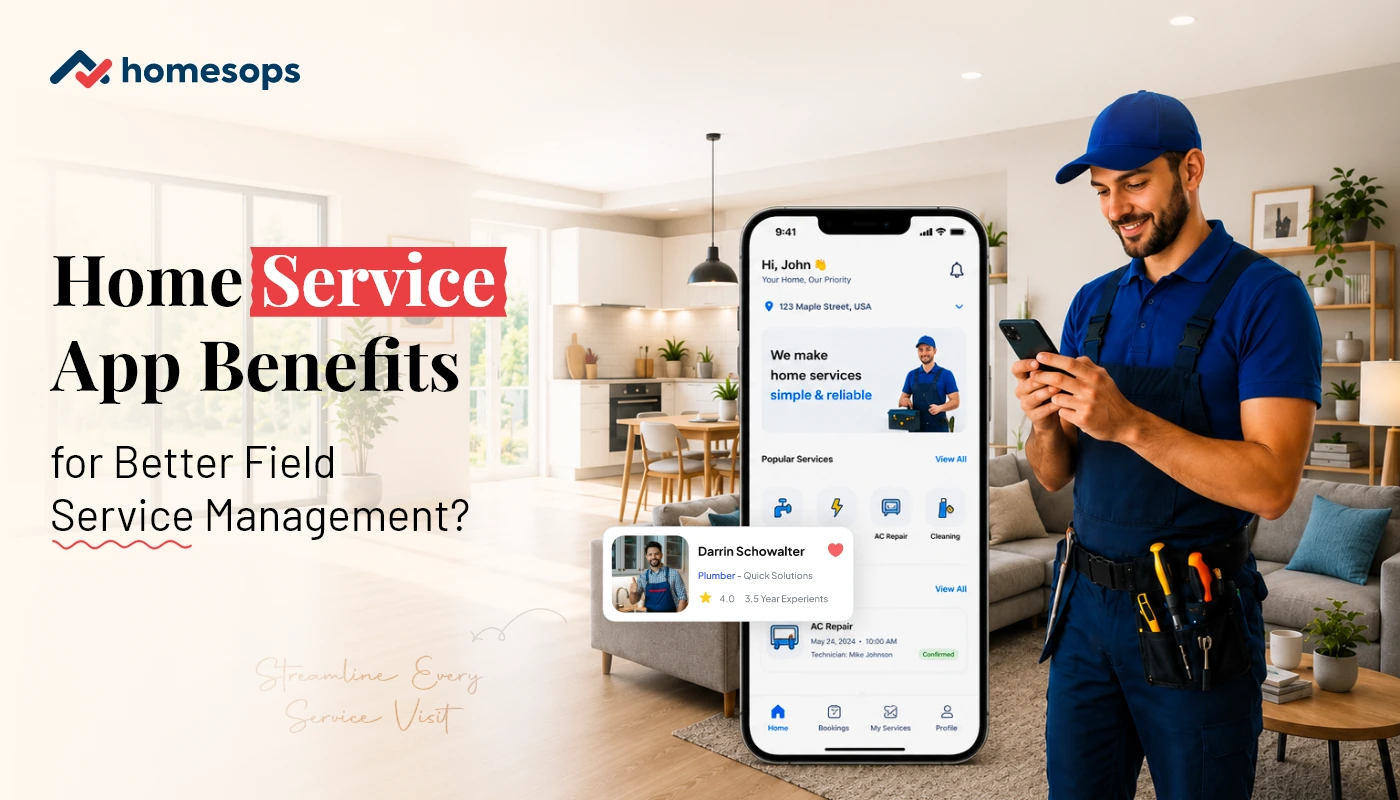
How Home Service Apps Improve Field Service Management Efficiency?
A home services app improves field service management efficiency by automating scheduling, dispatch, job tracking and customer communication, replacing manual processes that slow technicians down and cost businesses revenue. For HVAC, plumbing, roofing and handyman... Read more
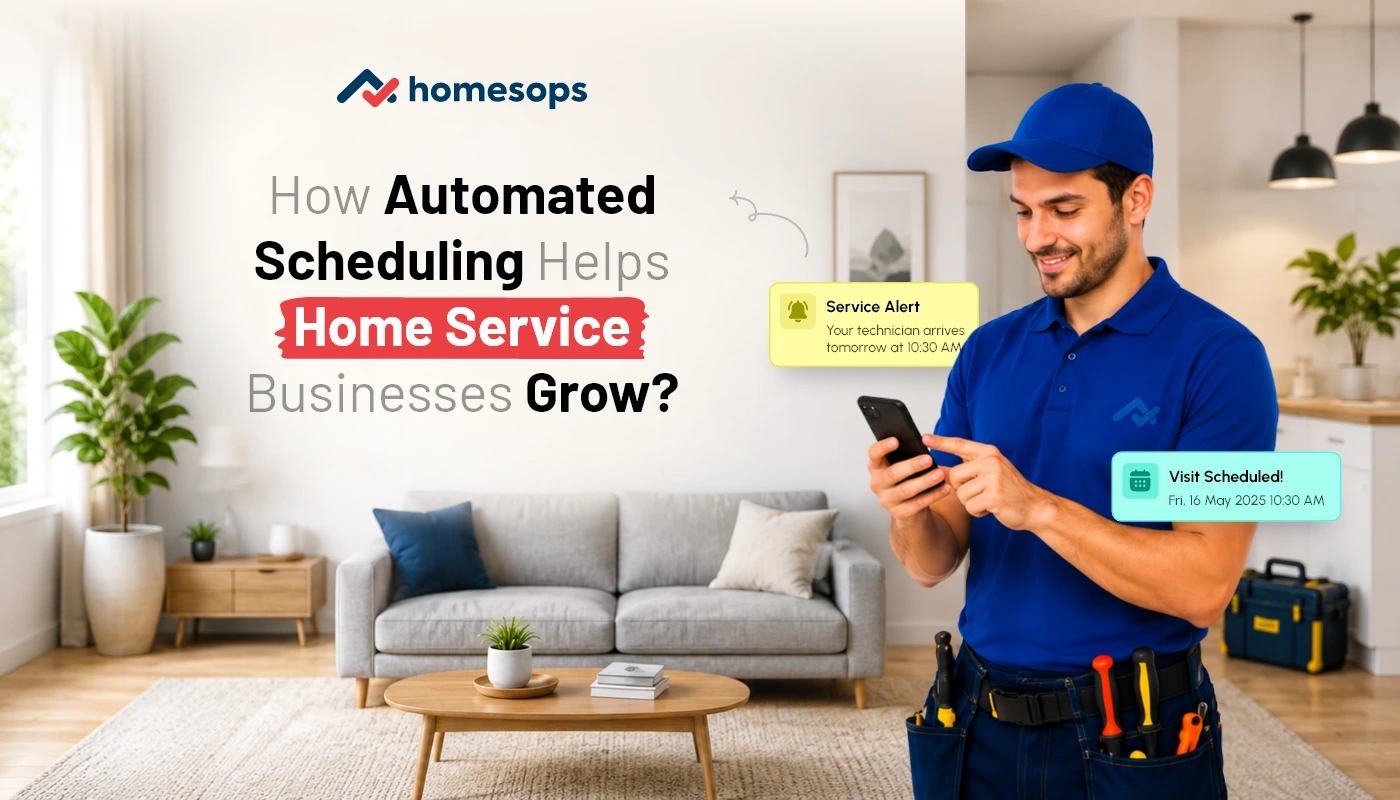
How Home Service Businesses Can Automate Booking and Scheduling?
Home service businesses can automate booking and scheduling by using a centralized platform that lets customers select services, view available time slots, confirm appointments, receive reminders and track technicians without calling the office. The same... Read more
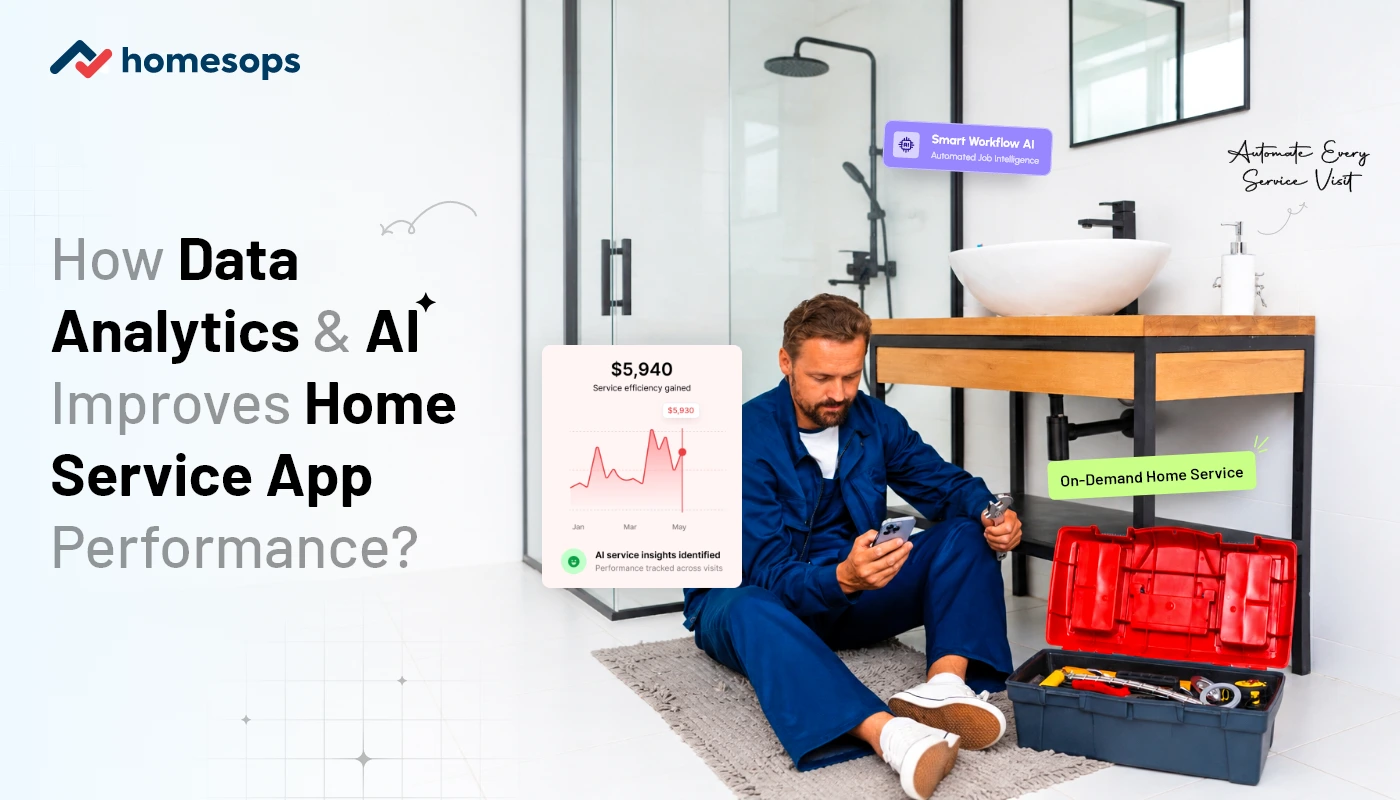
How AI & Data Analytics Improve Customer Experience in Home Services Apps
Customer expectations in home services have changed. People no longer want to call multiple times, wait for vague arrival windows, explain the same issue again, or wonder when a technician will show up. They want... Read more